
Can I download a report of all pre-orders?
You can download a report of all your pre-orders by line item for granular reporting.
Head to the Pre-orders tab in the dashboard.
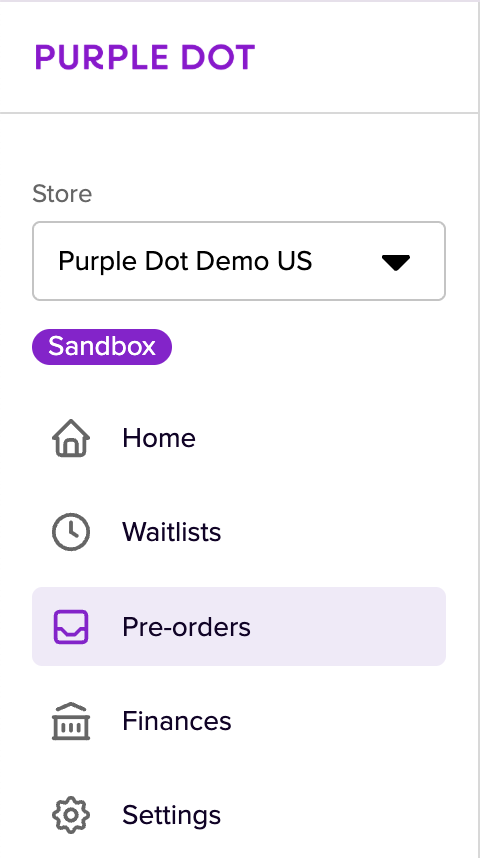
You can download all your pre-orders by simply clicking Download pre-orders in the top right-hand corner.

Your report should download in your browser in a few seconds. If you request a large data set, an email link will be sent to you.
For more information, see our Loom walk-through here.