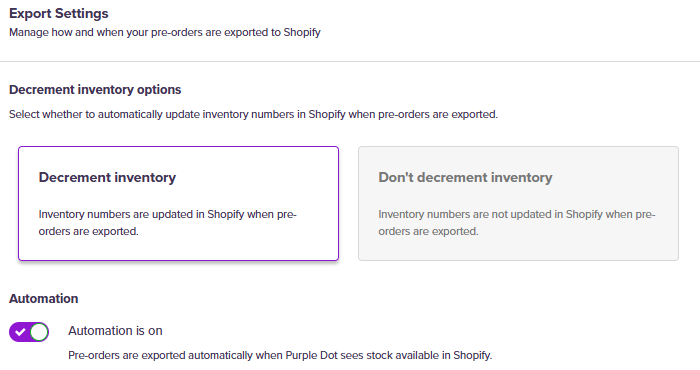
How do pre-orders affect my inventory in Shopify?
When you export your pre-orders to Shopify, you can choose whether Shopify decrements your inventory numbers or leaves them unchanged.
Head over to the Settings tab on the left-hand side of your dashboard and click Operations. Under Export Automation, there is a checkbox.
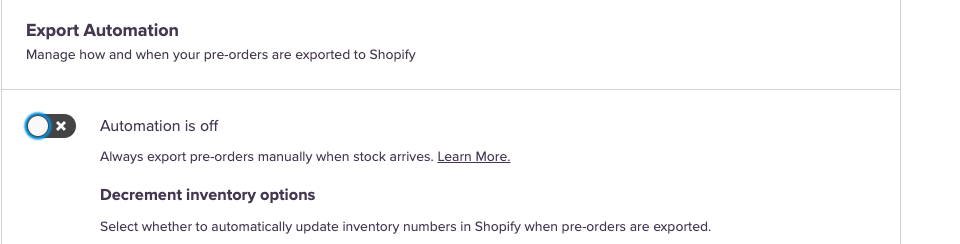
You have three options to choose from for how Purple Dot affects your Shopify inventory:
Automation is off: Decrement inventory
For this setting, you'll always export pre-orders manually when stock arrives. Once the orders are exported, the inventory numbers in Shopify will be adjusted down accordingly.
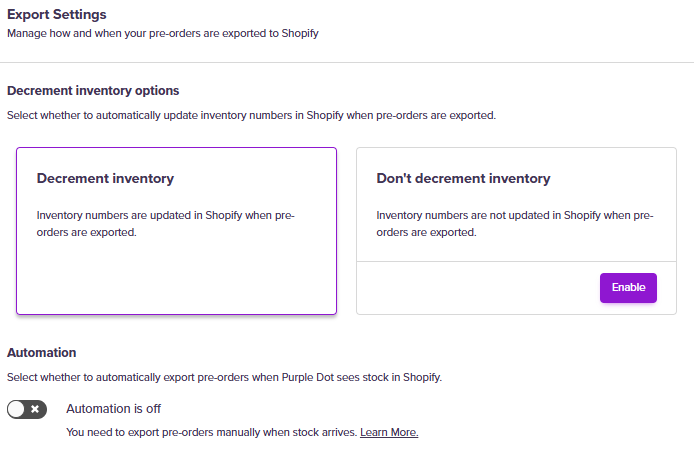
Automation is off: Don't decrement inventory
For this setting, you'll always export pre-orders manually when stock arrives. Once the orders are exported, your Shopify inventory numbers are not updated.
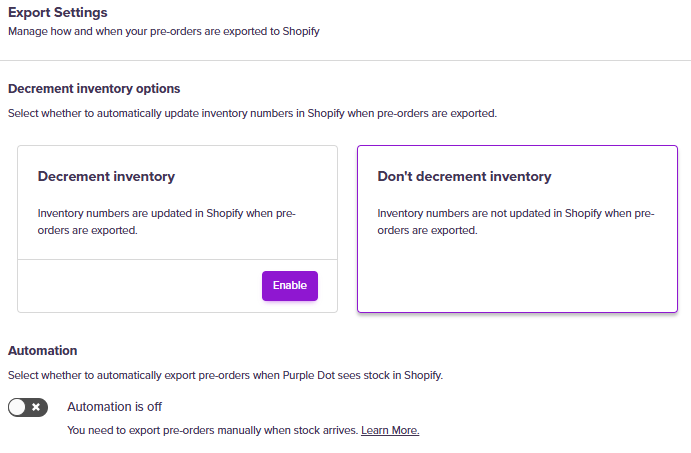
Automation is on: Decrement inventory
When Purple Dot sees inventory arrive in Shopify, it will automatically export the pre-orders to Shopify, and the inventory numbers in Shopify will be adjusted down accordingly.