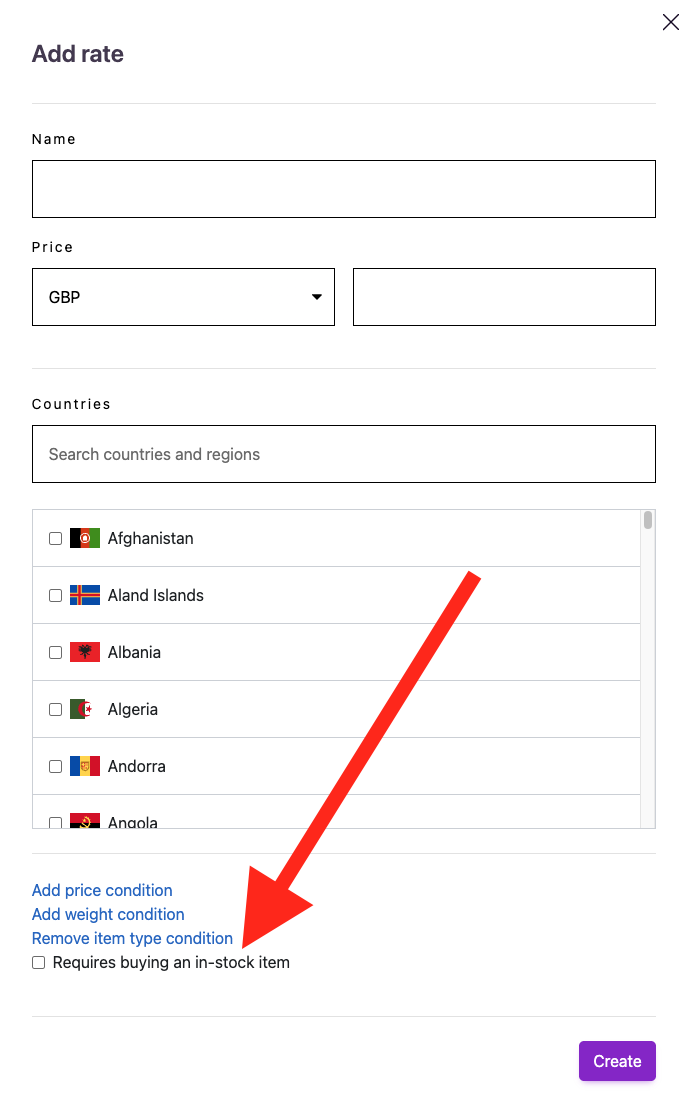
Showing free shipping only if cart also contains an in-stock item
If you are selling pre-orders via the Purple Dot checkout, and using the version of Purple Dot checkout that supports selling regular in-stock items alongside pre-order line items (aka "mixed" or "combined" carts), then our Pre-order Override Rate lets you offer Free Shipping for pre-orders only when shoppers are also purchasing an in-stock item. If every line item is on pre-order, the override will be ignored.
Head over to the Settings tab on the left-hand side of your dashboard and click Shipping.
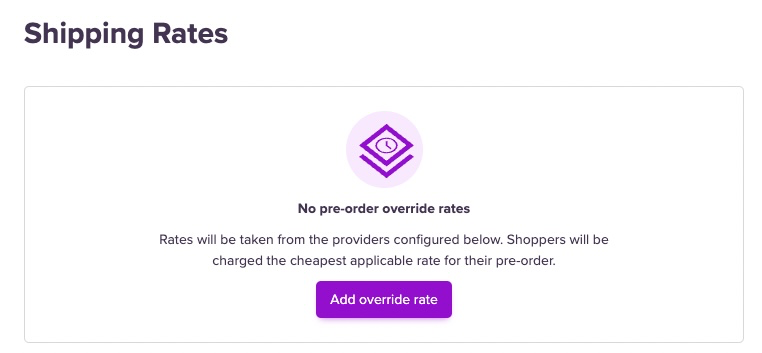
Click the Add override rate button and it will bring up a window where you can name the rate, add the price and select the required countries. You can also add price conditions (eg. free pre-order shipping if over $50)
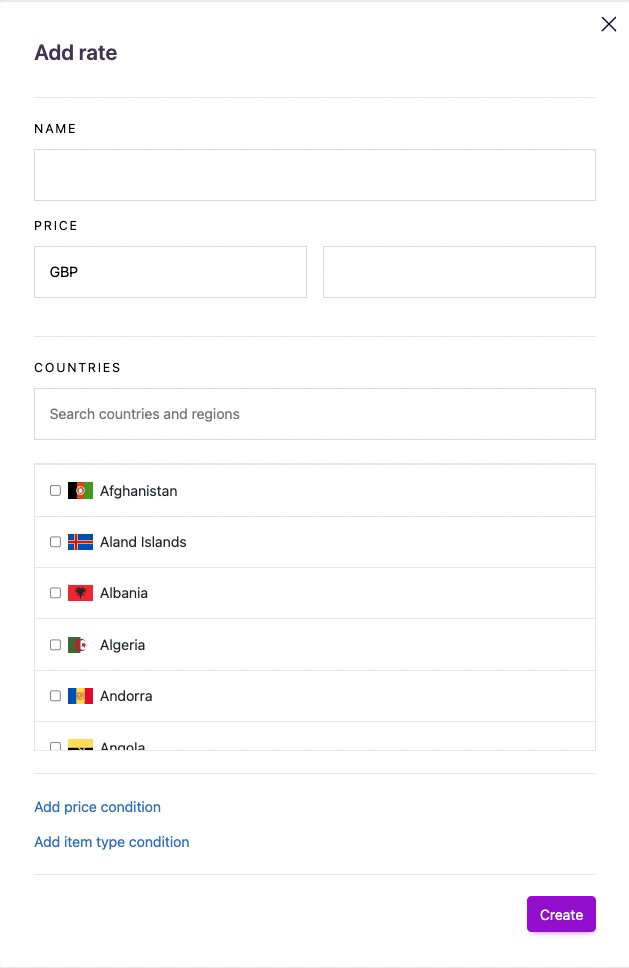
Click Add item type condition, tick Requires buying an in-stock item and hit Save.