
Connect your bank account
To receive shoppers' funds when you start to fulfill their pre-orders, you need to connect your Stripe account to Purple Dot.
Go to the Finances tab on the left side of your dashboard and click 'Set up payouts'
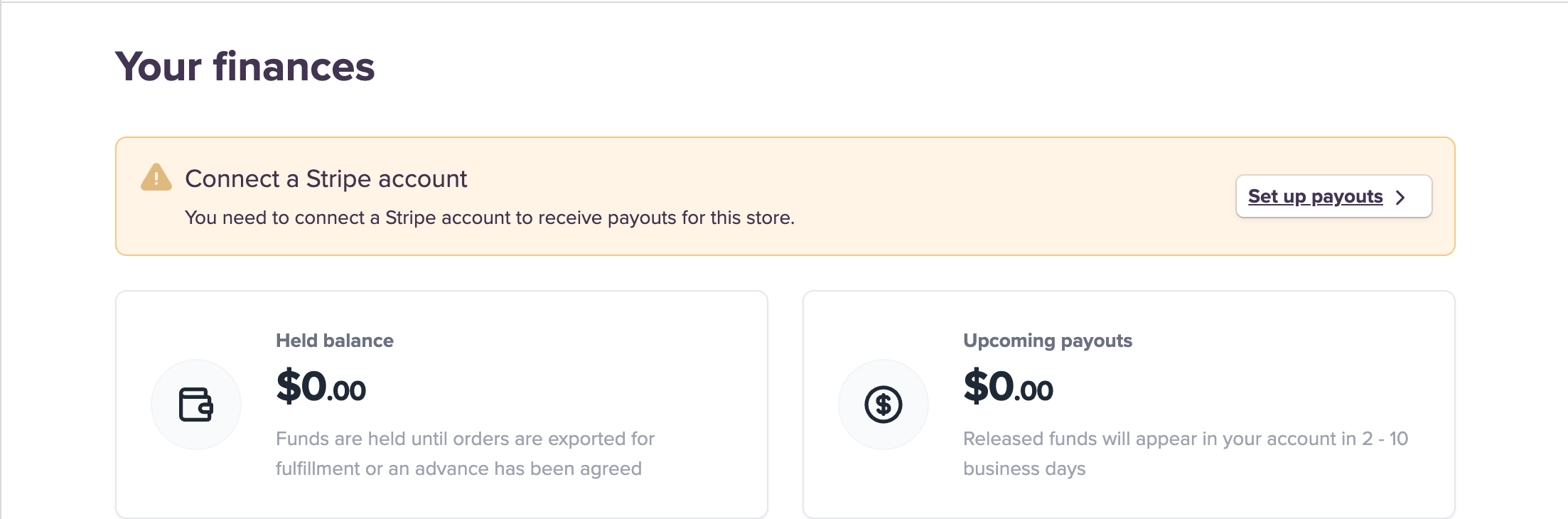
Stripe will then take you through an onboarding process to set up a Stripe Express connected account with Purple Dot, and link it to your bank account.
For more information on Stripe Express accounts, see the Stripe documentation.
Once connected, Purple Dot will payout to your Stripe Express account, and once the money reaches your Stripe account Stripe itself will pay out to the bank account that you have linked to your Stripe Express account.
For more details on how payouts work, see the Getting Paid section.