
How do I download a subset of pre-orders?
On the Pre-orders tab of your dashboard, filter by your requisite criteria. For example, the screenshot of the filter below will show all open pre-orders placed between 7/31 - 8/30.

Note, you can filter by:
First Name
Last Name
PD Reference
Email
Shipping Country
SKU
Product Name
Click Download pre-orders

Make sure the Pre-orders matching current filter toggle is selected, and click download.
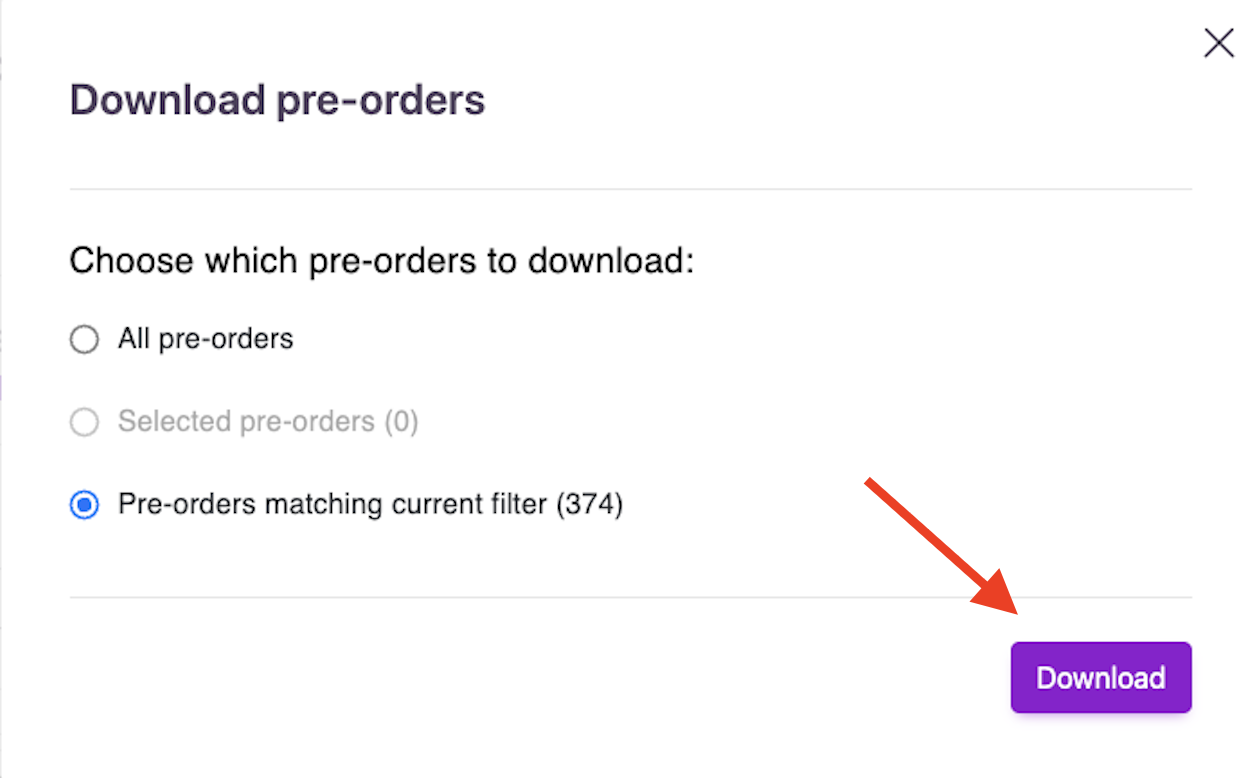
Your report should download in your browser in a few seconds. If you request a large set of data, an email link will be sent to you.