Restrict list of Shopify locations used for working out pre-order inventory levels
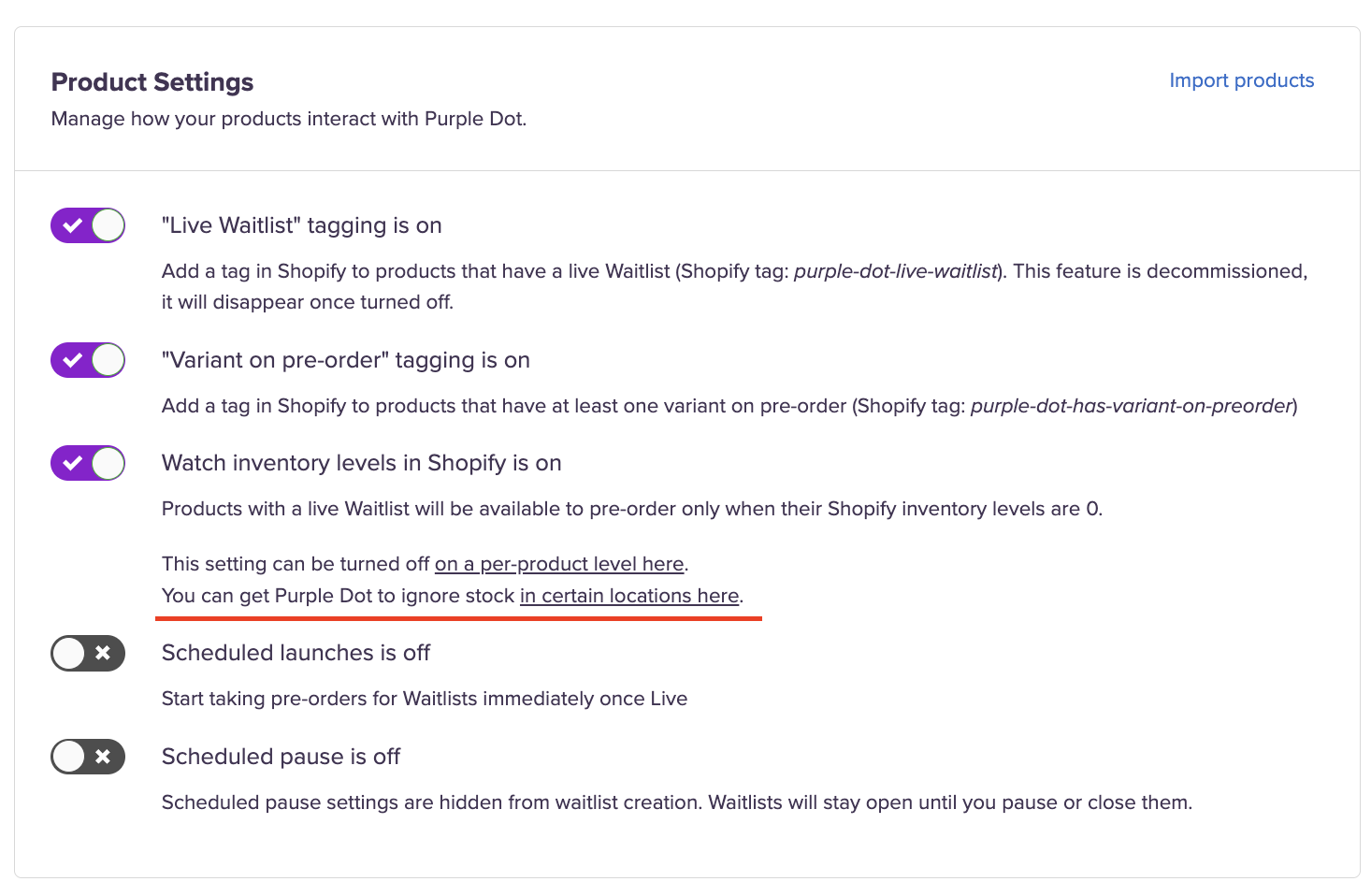
Head to settings > Operations > Product settings > You can get Purple Dot to ignore stock in certain locations here
You’ll now see a list of inventory locations
To exclude a location from pre-orders, simply toggle the location off.
If you notice a location is missing a name, this may be because:
The location was removed,
The brand uninstalled our app, or
We don’t have the right permissions.
Please reach out to the support team if you are missing a fulfillment location