
Does Purple Dot support showing pre-orders in Shopify customer accounts?
Yes! Purple Dot has a pre-order page that can be added to the Shopify customer acount. Once added, when shoppers log in to their Shopify account they will have access to a "Pre-orders" page listing all orders placed through Purple Dot. It shows fulfillment status for each line items and payment status for the order. Shoppers can then navigate to the Purple Dot shopper portal for full order management capabilities.
As of February 26, 2026 Shopify has released a new customer accounts. This is required in order to use our extension. See the Shopify guide on how to enable there.
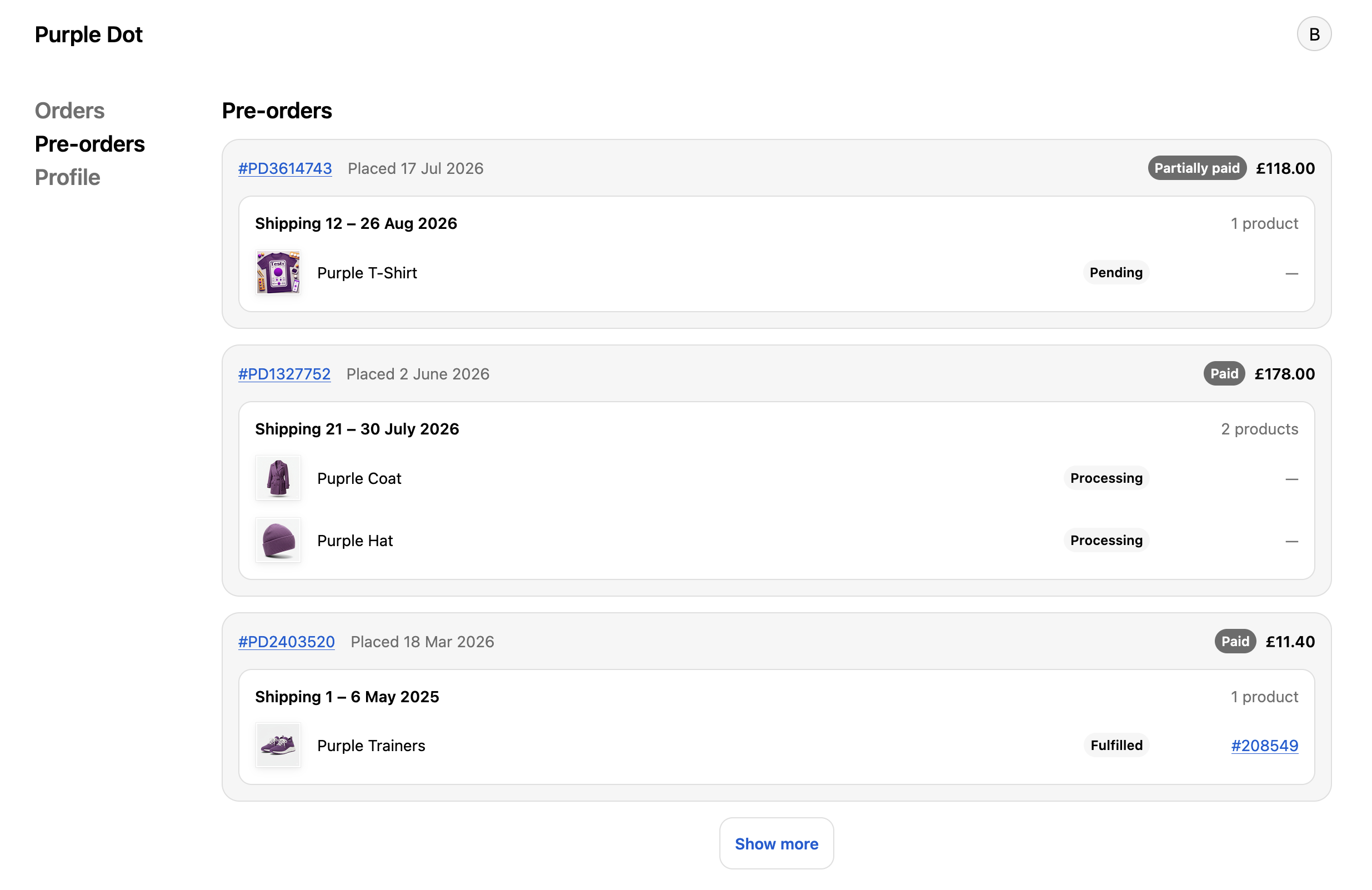
Installation
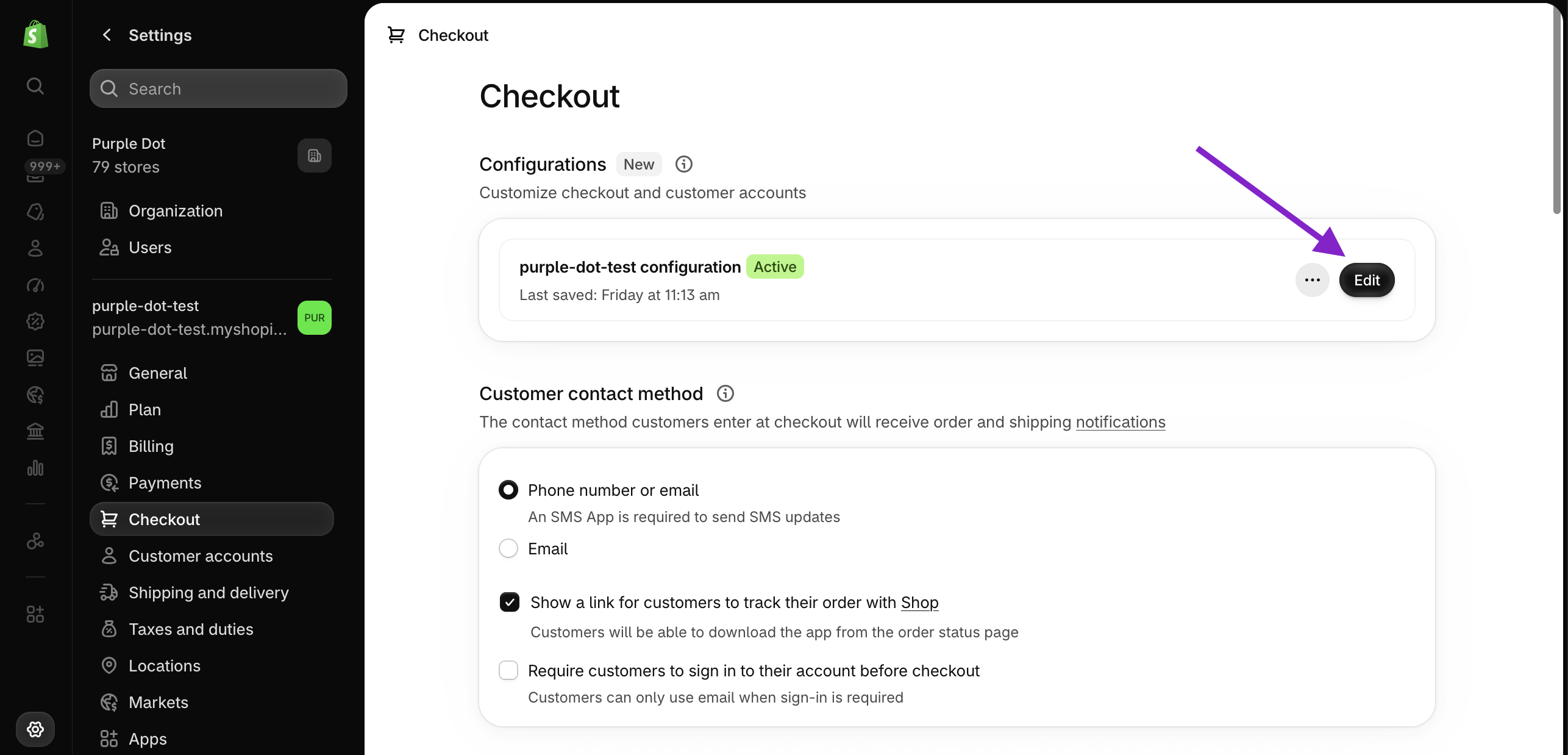
From your store's settings page, navigate to the checkout settings
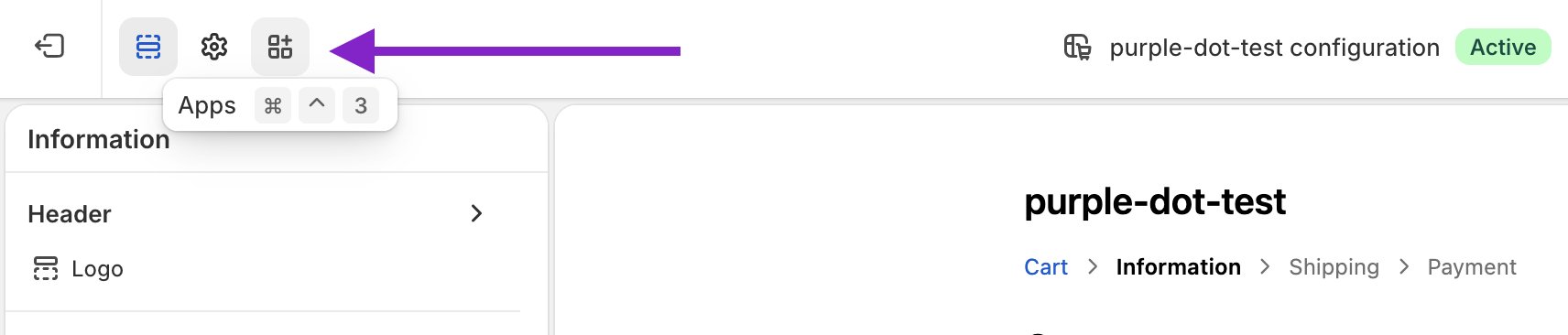
Click through to "App"
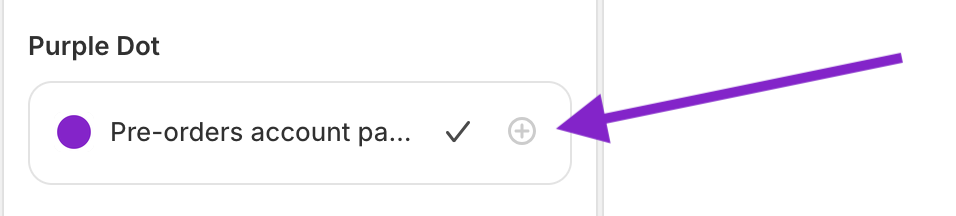
Under the "Purple Dot" app, enable the "Pre-orders account page"
The page can now be found in "Customer account"
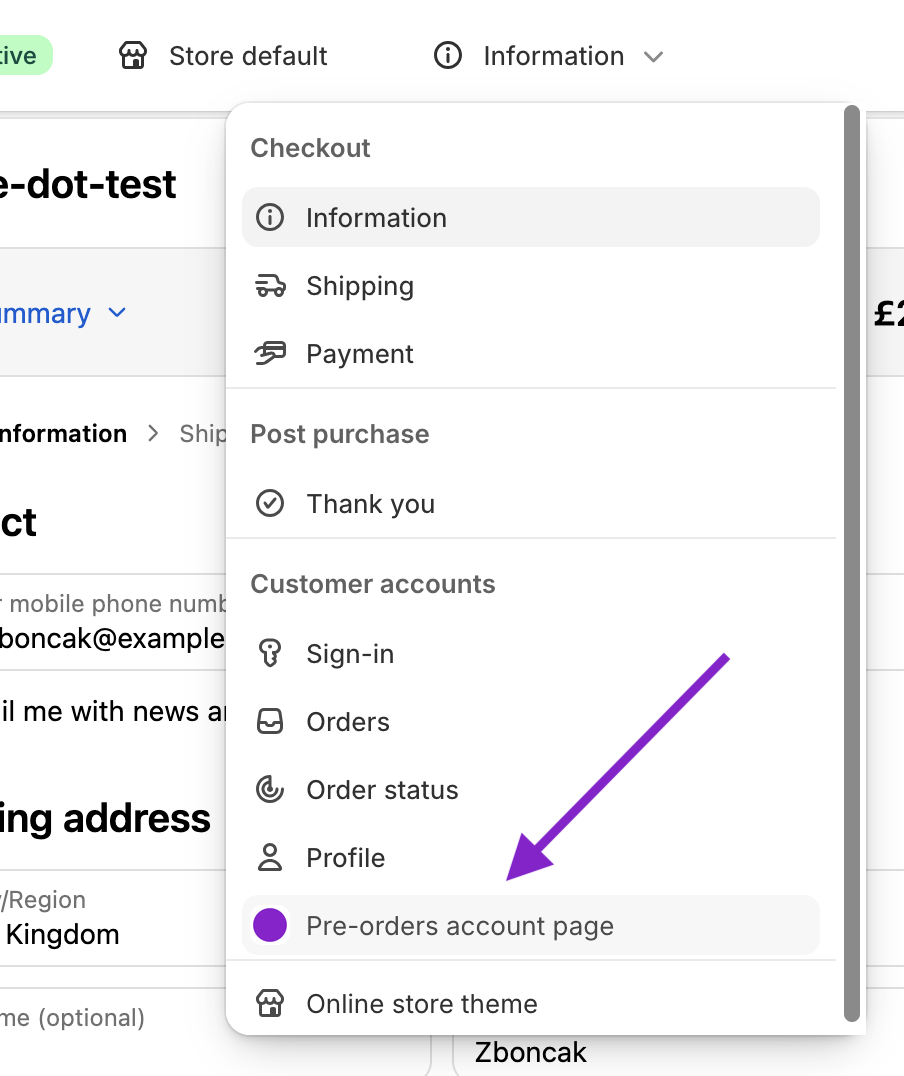
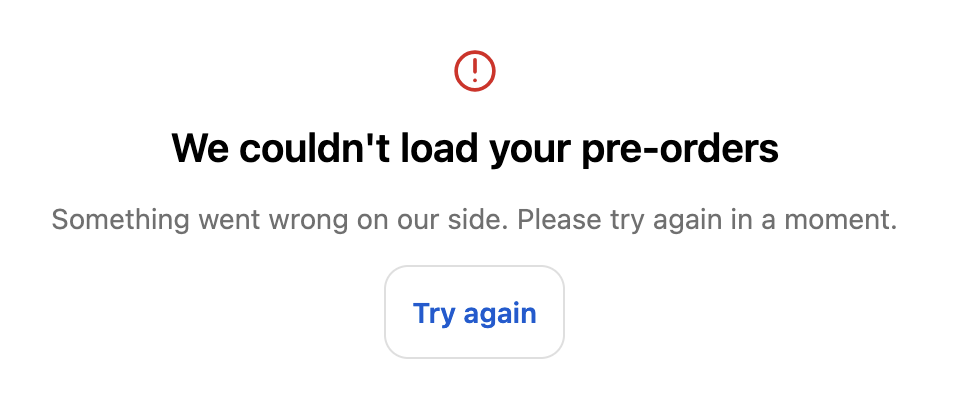
When viewing this page in the configuration pages you will see "We couldn't load your pre-orders". This is expected as you are not logged in as a Shopper, and so we cannot load any orders.
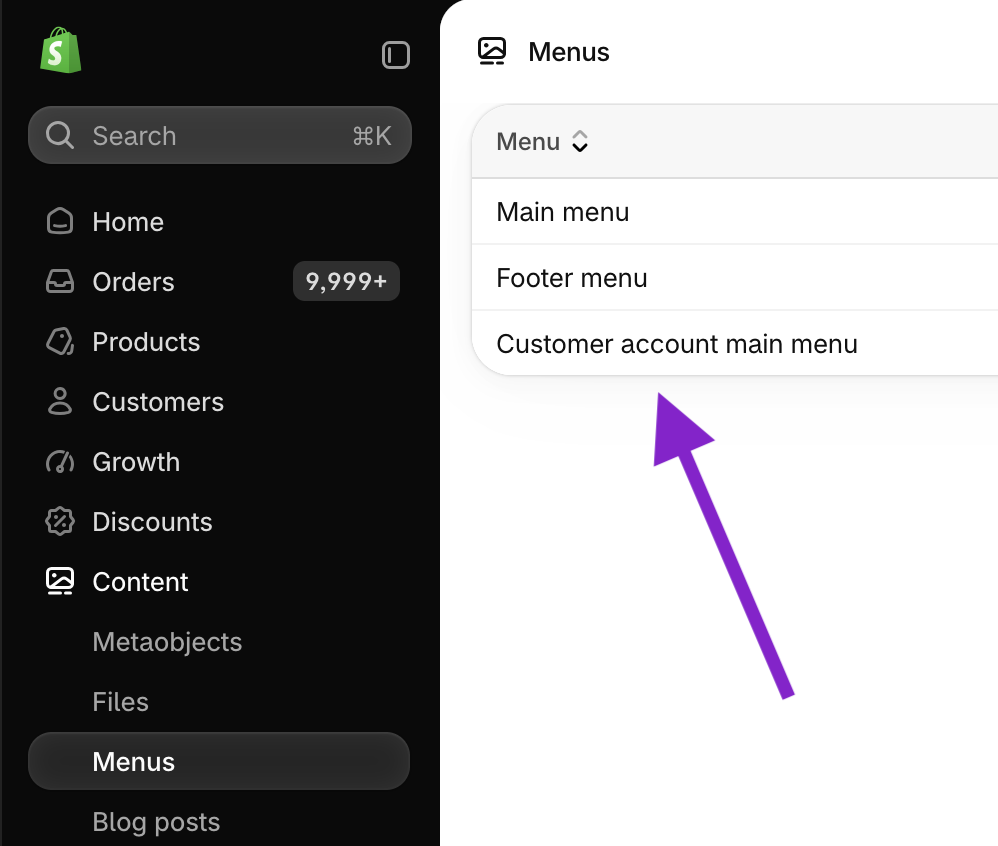
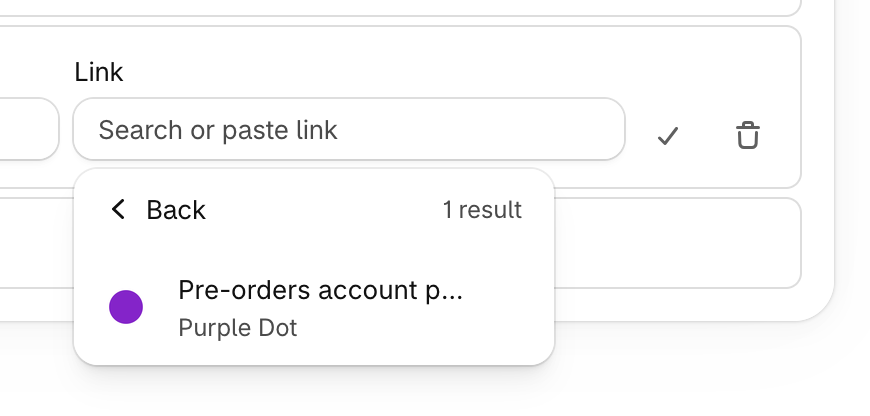
Finally, create a menu item for the new pre-orders page. This can be accessed from Content -> Menus -> Customer account menu
Add menu item -> Apps -> "Pre-orders account page"
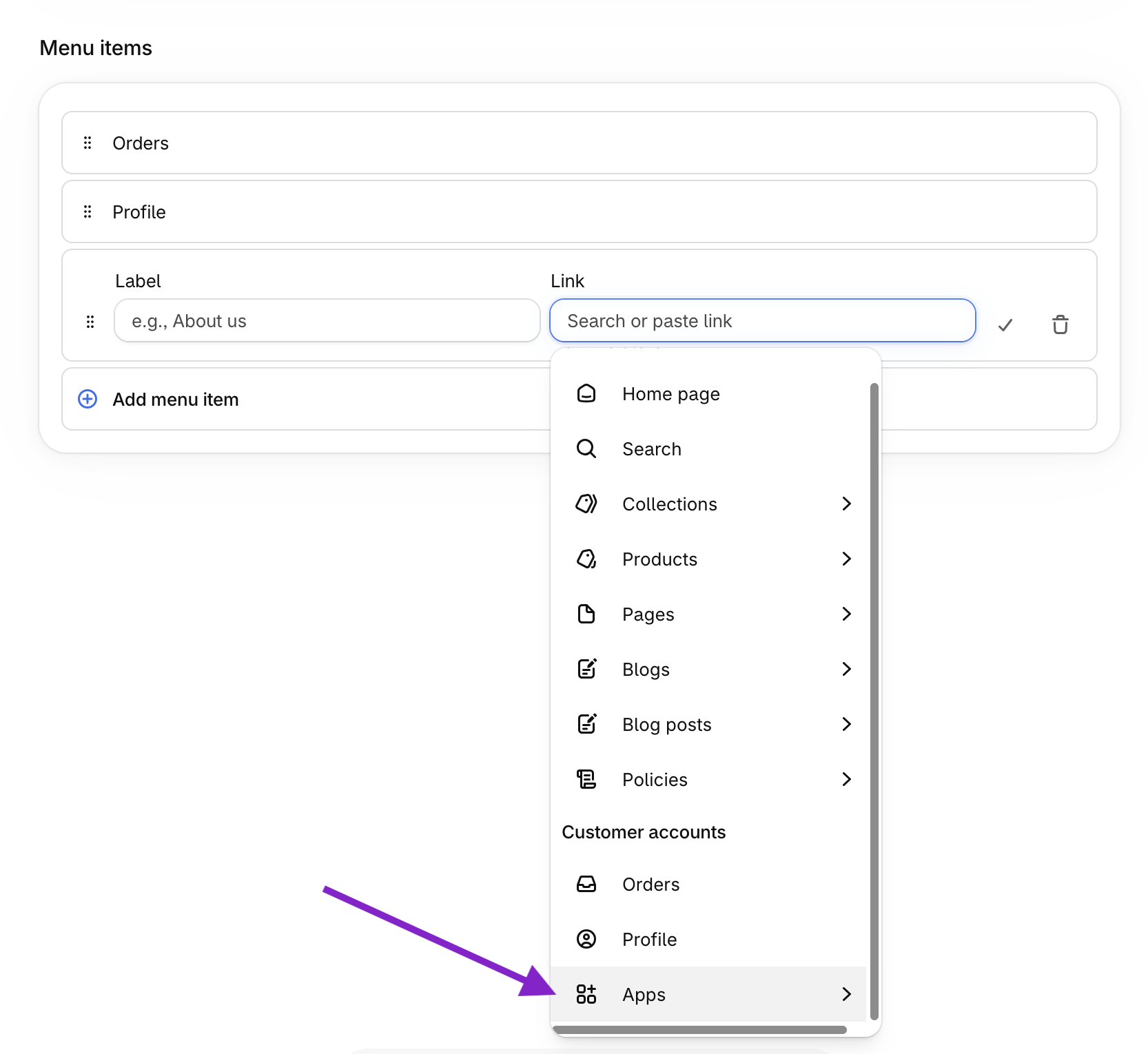
Shoppers will ne be able to find the new page in their account.